Charting
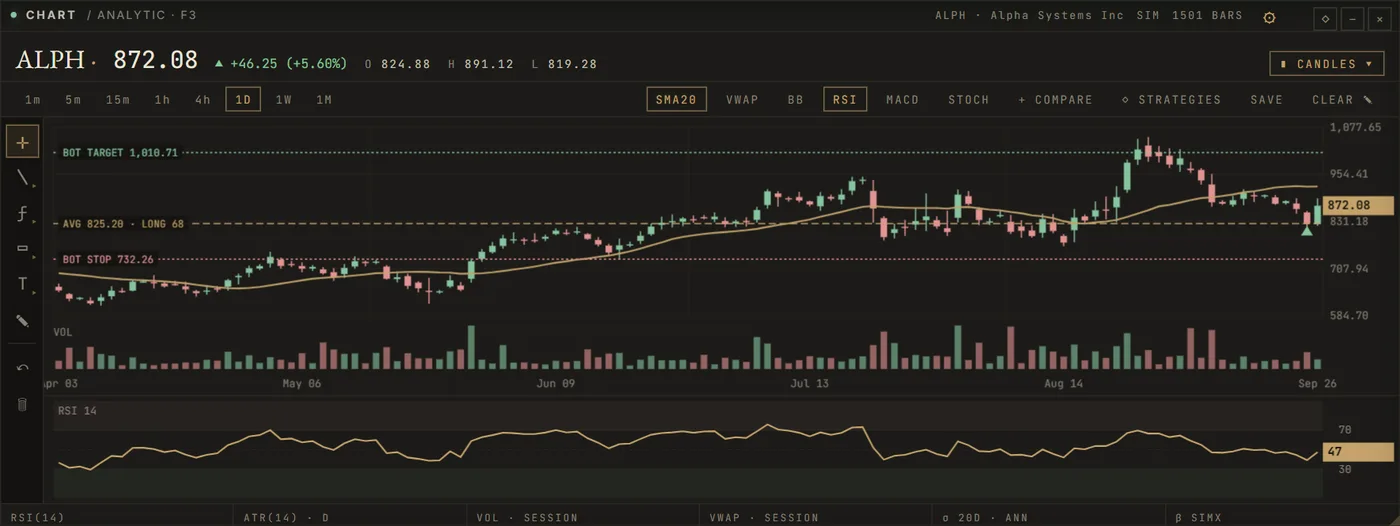
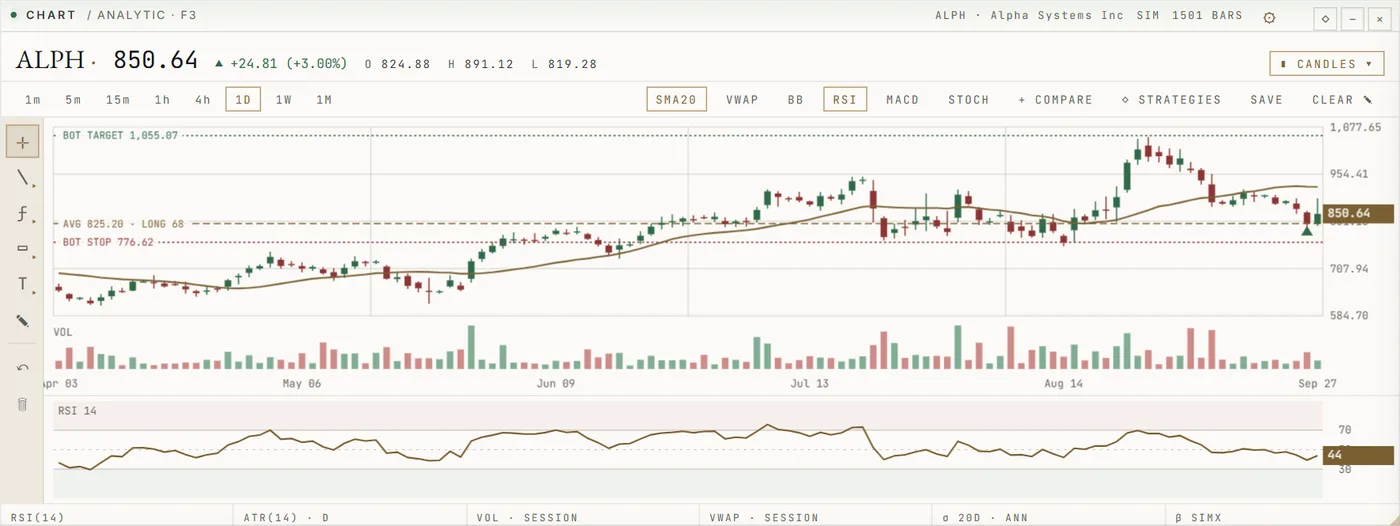
Your entry, the bot's stop and its target are drawn on the price itself, with volume, indicators and your own drawings beneath.
One workspace in your browser for charts, research, market news and paper trading. This page shows what it contains and the state each part is in today.
The terminal is organised in desks: panels you arrange for one task. These are real captures of them.
Your entry, the bot's stop and its target are drawn on the price itself, with volume, indicators and your own drawings beneath.
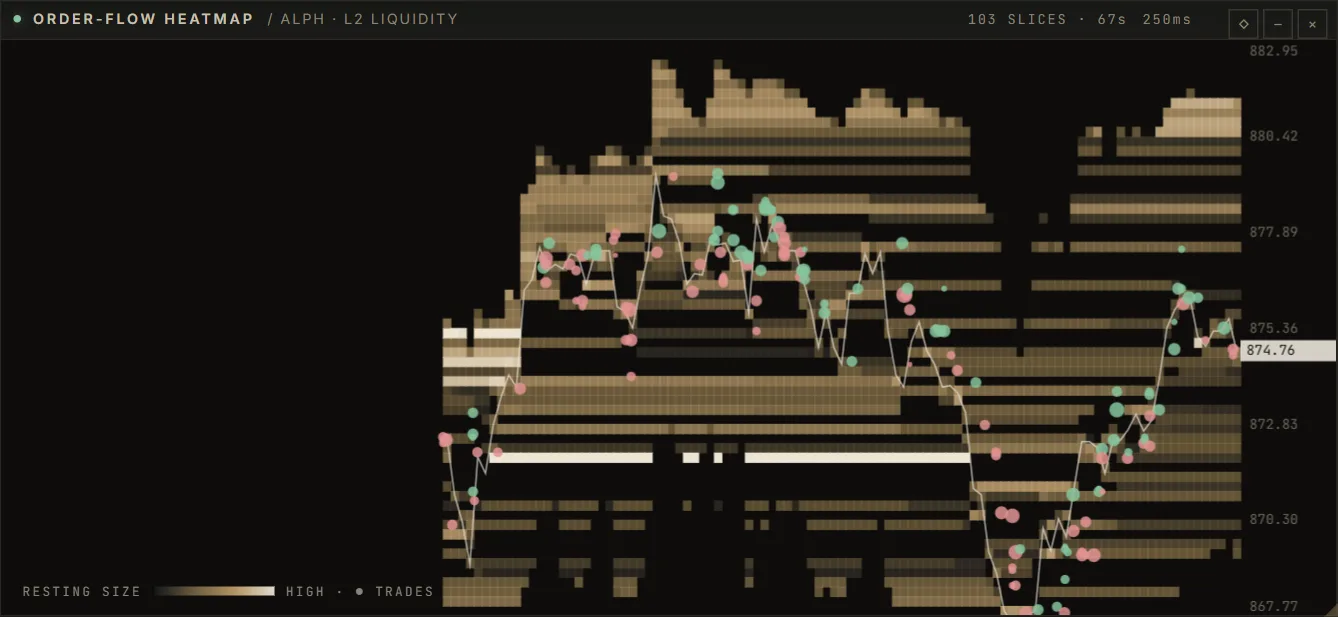
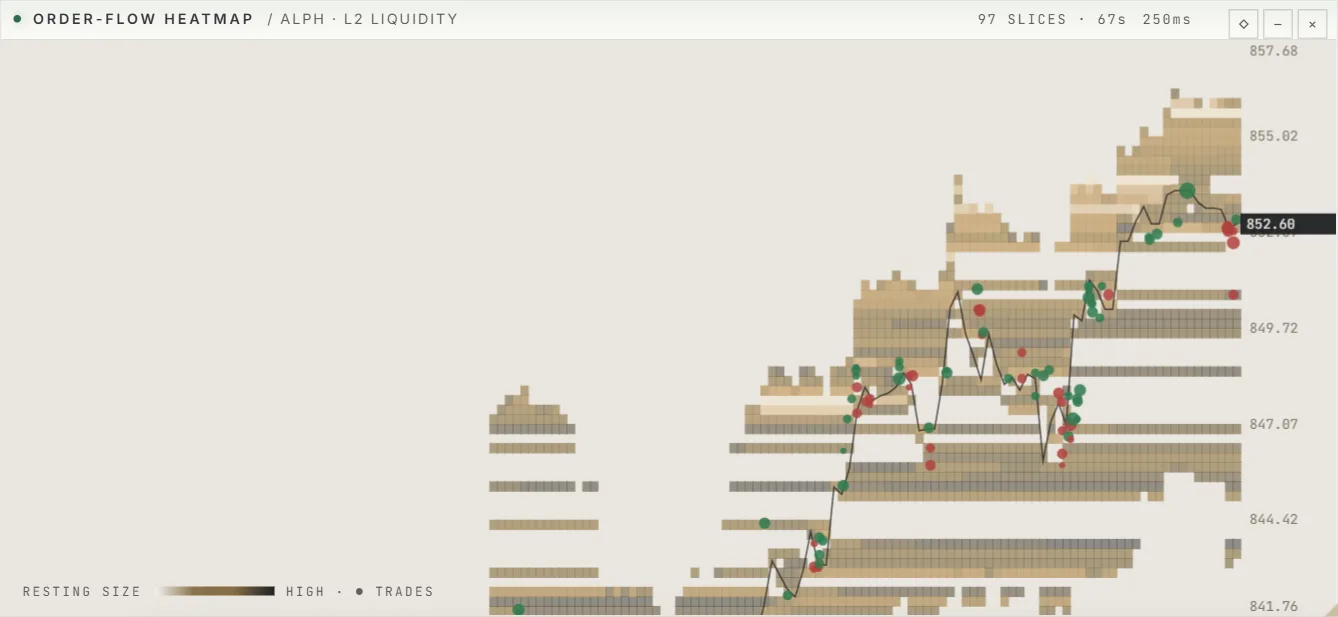
Resting liquidity as a heatmap, cumulative delta and the tape — from live venue data where it exists, from the simulator where it does not, and always labelled.
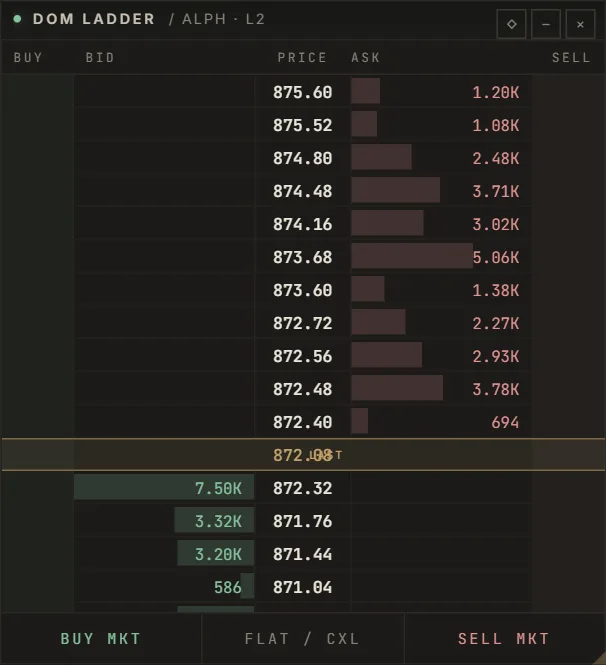
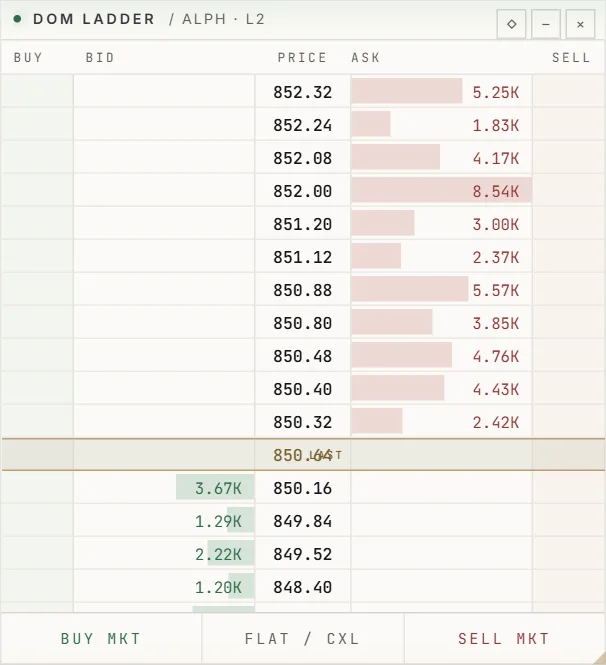
Every order — paper today — passes the same pre-trade risk checks before it reaches the book.
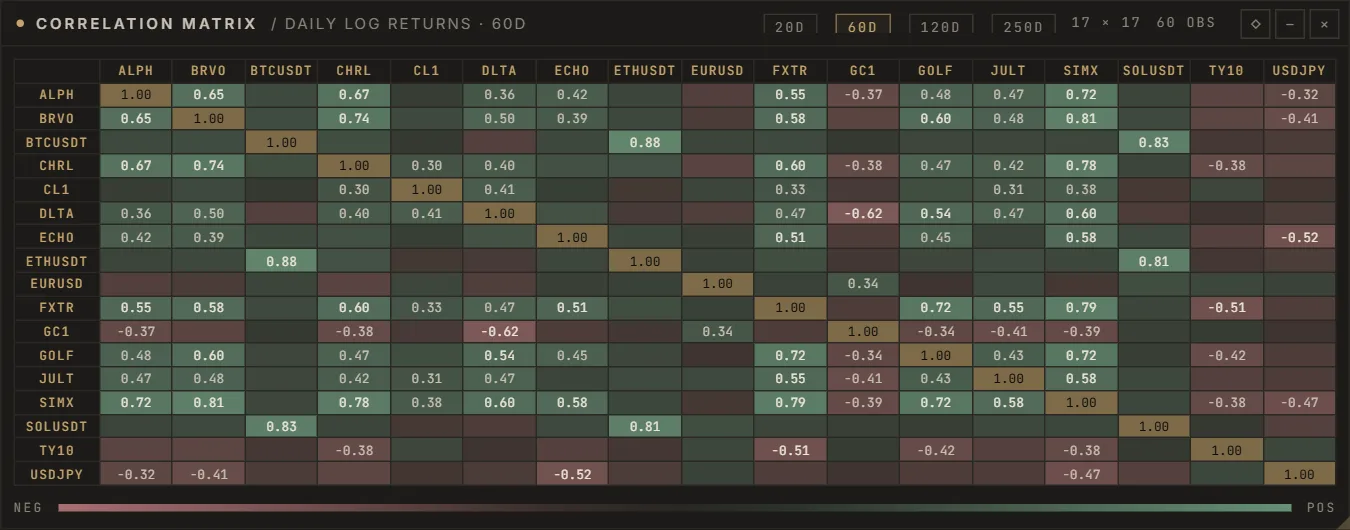
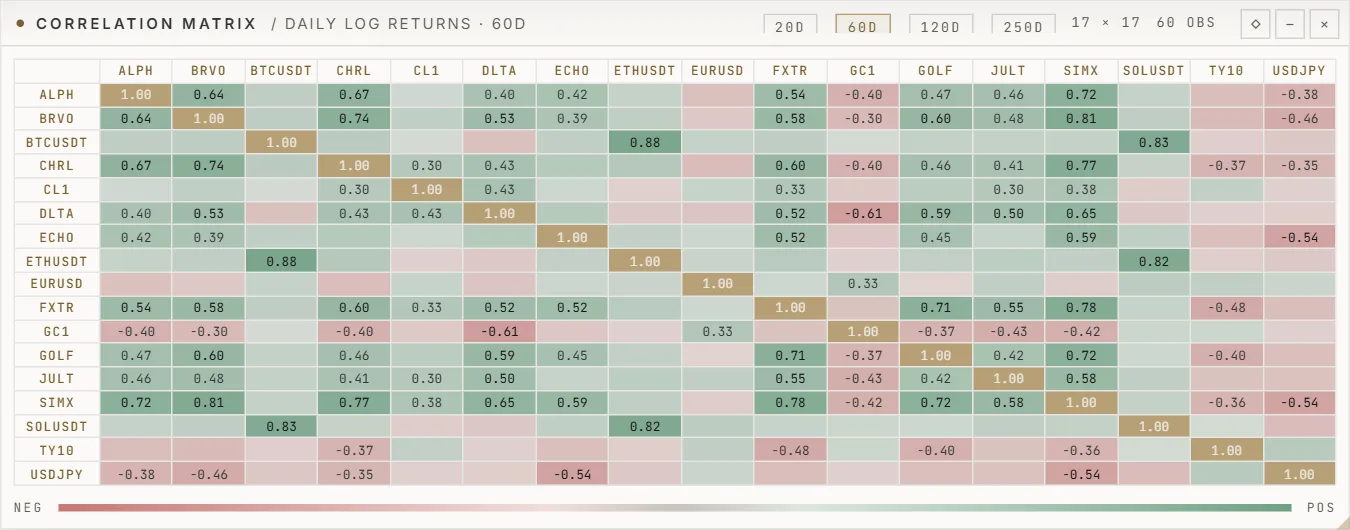
Options chains with theoretical values, correlation across the book and Monte-Carlo cones for any strategy.
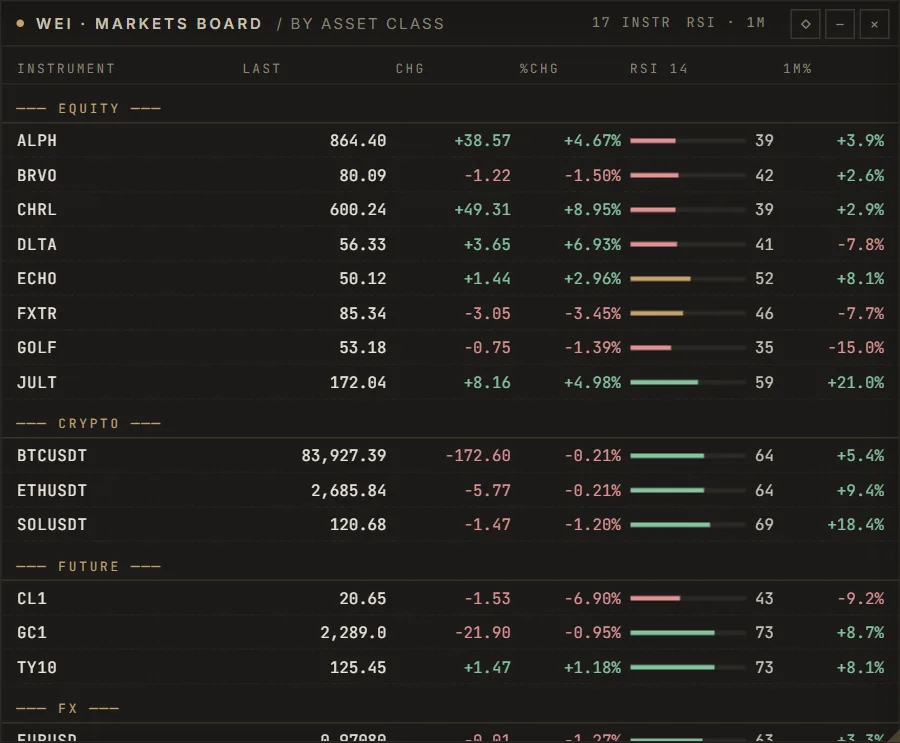
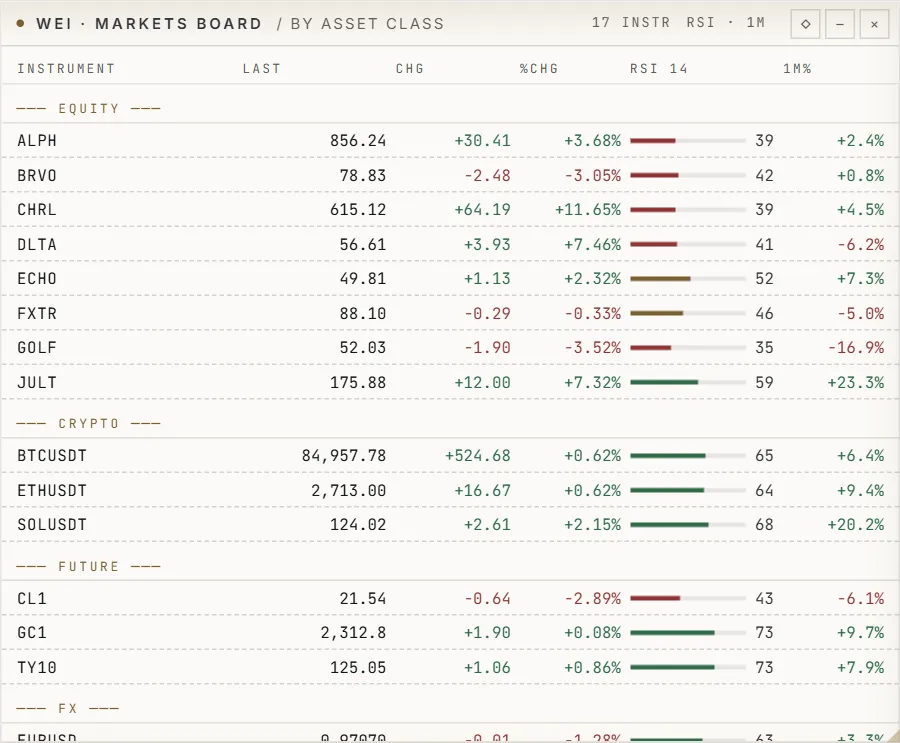
World clocks, market status, a markets board by asset class and the flows between them.
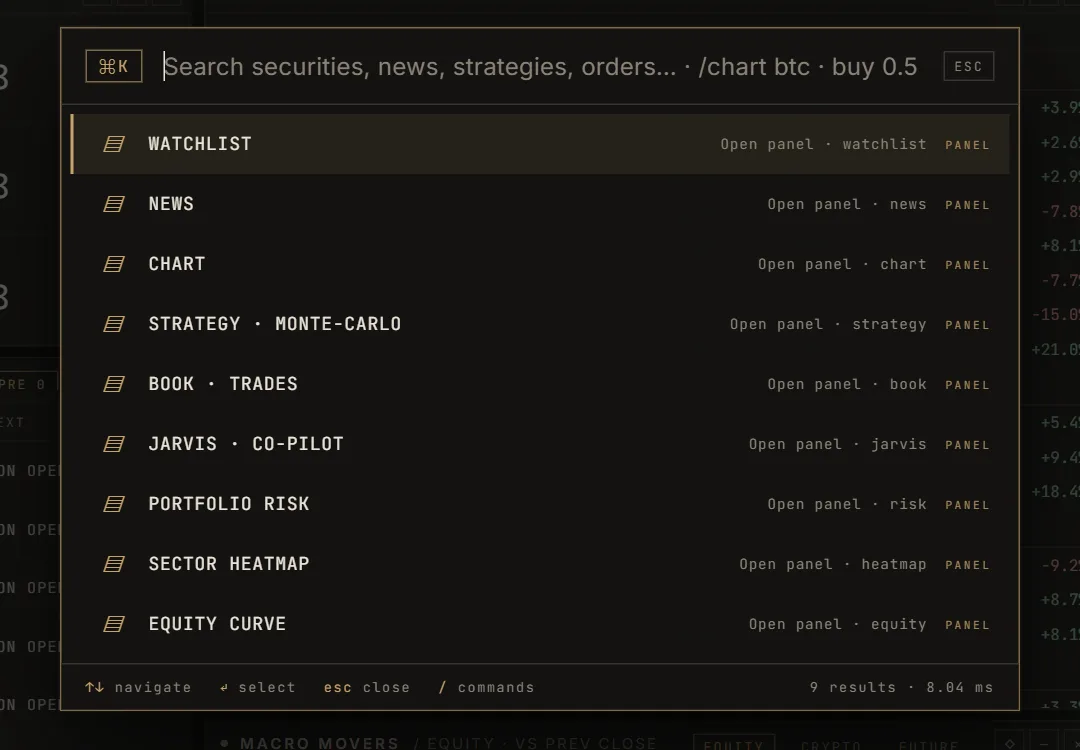
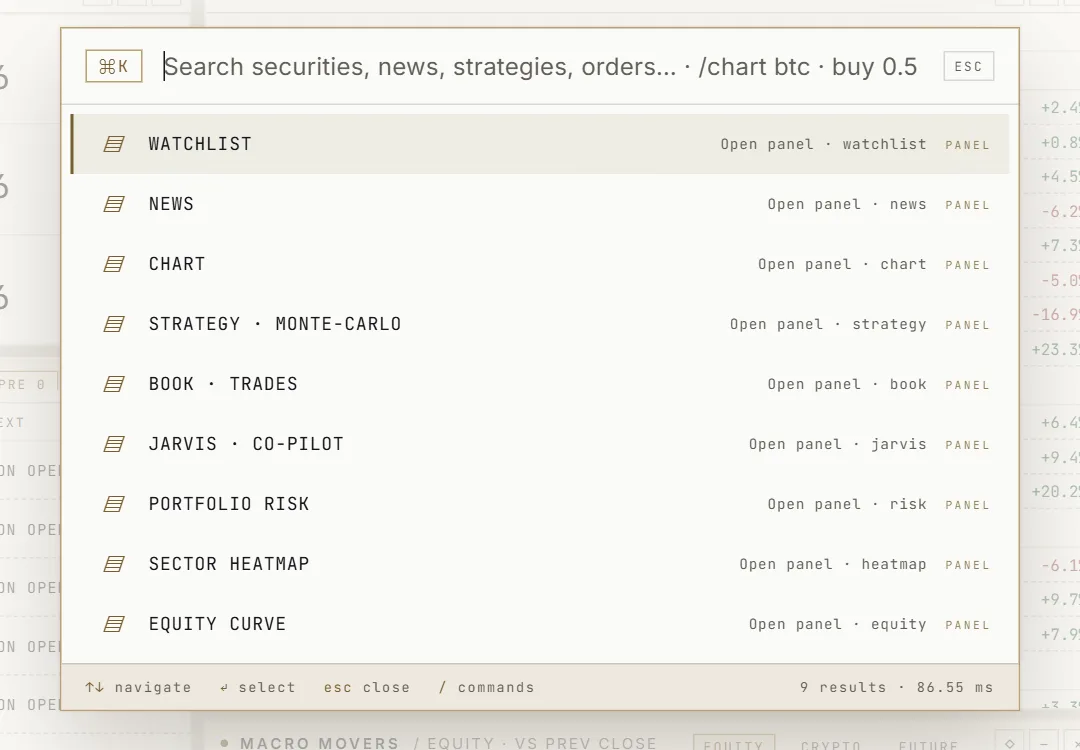
Ctrl + K reaches every instrument, panel, strategy and command. Function keys open the panels you use most.
Real capture; prices partly from the built-in simulator.
Taken from our own feature register. 24 functions are available, 6 are partly built and 2 wait for licensed data or are planned.
Candles, bars and lines with volume for every instrument SwiftTrade has data for.
Moving averages, RSI, MACD, Bollinger Bands, ATR and VWAP.
Sixteen chart types (Heikin-Ashi, Renko, Line Break, Kagi, Point & Figure, range, tick and volume bars), log, percent and indexed scales, drawing tools.
The full indicator library with parameters and sources.
Instruments with last price, change and a small chart.
Filter the instrument universe by price, volume, volatility, momentum and technical conditions.
Years of daily bars and recorded intraday data from SwiftTrade's market-data lake.
Real-time stocks, ETFs, futures and FX.needs a licensed vendor or broker feed; prices are set by the vendor per user
Headlines from official and open sources, with the source named on every item.
News clustered into events, labelled fact, analysis or speculation, with source reliability.
Cross-source verification, contradictions, surprise against expectation, market reactions and the map.
Case files on a company: registry identity, structure, filings, sanctions screening, adverse media, timeline, risk signals and a cited report.official free sources only; UK officers need a free Companies House key, the EU list a portal link
Release dates and published values of economic data from FRED.consensus forecasts are licensed data and are not included
Alerts when a price crosses a level, shown in the terminal.
Alerts on indicators, volatility, risk, model regimes and intelligence events; webhook delivery.
Simulated orders on live prices with costs, latency and partial fills; nothing reaches a broker.
Positions, realised and unrealised P&L of the paper book.
Exposure, value at risk, expected shortfall, drawdown, correlation and concentration.
Several charts side by side in one workspace.a grid of charts exists; linked symbol, timeframe and crosshair are being built
Window layouts and task presets (day trading, scalping, futures, options, research).layouts are kept in the browser, not yet on the account
The native SwiftTrade workstation for Windows.built and tested; not yet published as a signed release
Windows spread over several screens in the desktop workstation.multi-window in the workstation; not yet published
Order book, depth of market, time and sales, delta.
Liquidity heatmap, footprint, volume profile and the Market Canvas down to single trades.
Event-driven backtests with commissions, spreads, slippage and latency; walk-forward and out-of-sample tests.
Strategy versions with parameters, data source and validation gates, then a paper forward track.
GARCH volatility, factor models, HRP and risk parity, Monte Carlo, bootstrap, PBO and the deflated Sharpe ratio.
Hidden-Markov regimes, Markov-switching volatility and discrete market-state transition matrices.
A research assistant that answers from SwiftTrade's own data and cites every tool result; it cannot trade.
Option chains, greeks, implied volatility surface, skew and term structure.BTC and ETH options from Deribit (free public data); equity options need OPRA data (paid)
Personal API tokens for the documented REST API and WebSocket stream.
Several users under one organisation with central administration.roles exist; organisations are not built
A trading tool is only worth the trust you can put in it. These are the rules SwiftTrade is built on — when something is uncertain, it stops instead of guessing.
The complete terminal in your browser. Nothing to install; you sign in with your SwiftTrade account.
A native workstation, built and tested but not yet published as a signed release. Download page