01
The markets board
- What you see
- Instruments grouped by asset class, with last price, change, RSI and the one-month change.
- What you can do
- Scan a whole asset class at once and open any instrument on a chart.
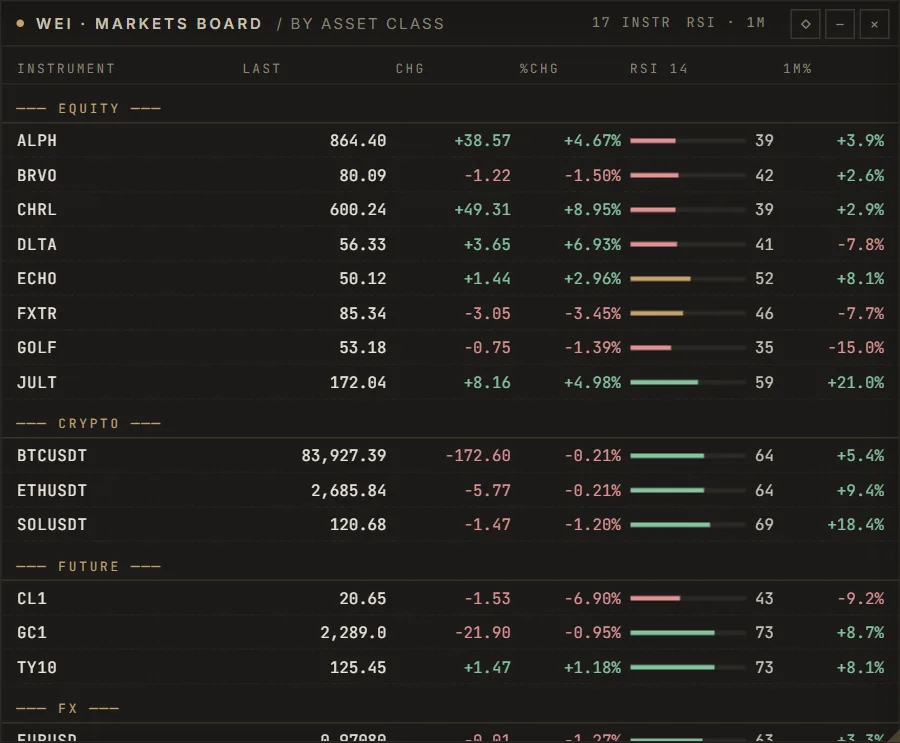
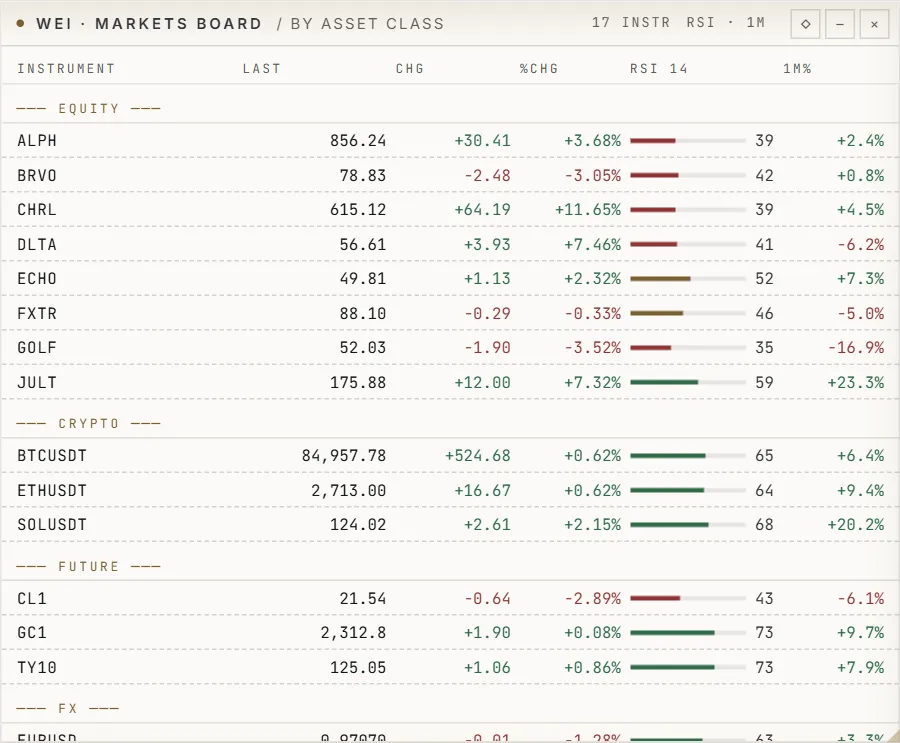
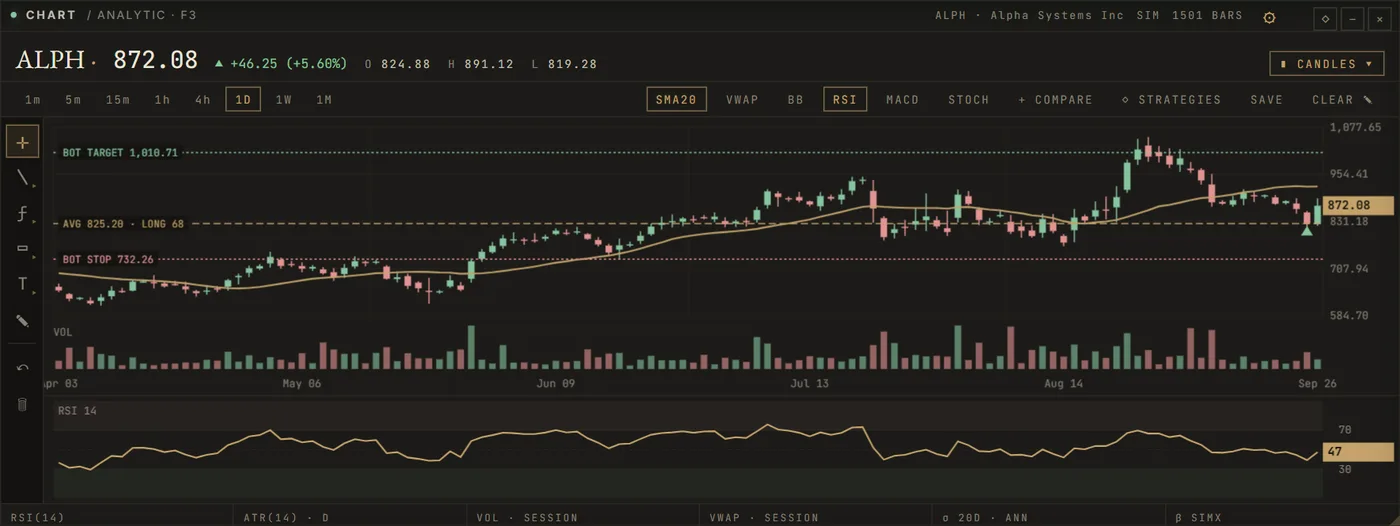
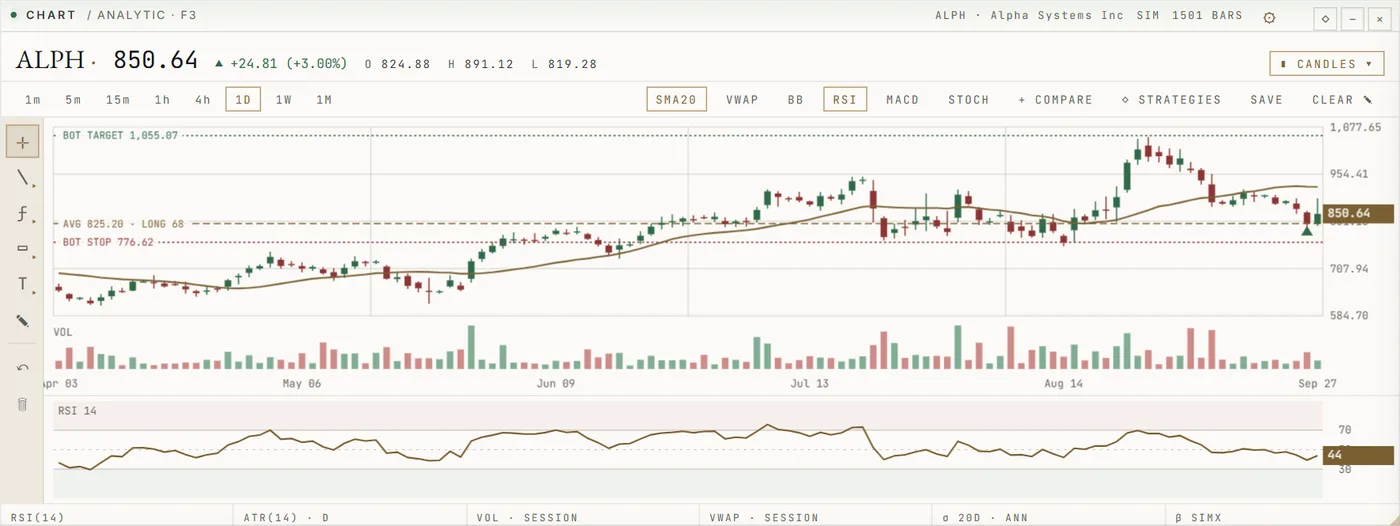
A markets board and watchlists for the instruments you follow, charts with sixteen chart types and 66 indicators, and the order book, the tape and resting liquidity underneath the price.
01
02
03
04
Taken from SwiftTrade's feature register, with the plan each belongs to and its state today. Nothing is on sale yet: during the test phase SwiftTrade is free.
| Function | What it does | Plan | State | Limit |
|---|---|---|---|---|
| Charts | Candles, bars and lines with volume for every instrument SwiftTrade has data for. | Free | Available | — |
| Advanced charts | Sixteen chart types (Heikin-Ashi, Renko, Line Break, Kagi, Point & Figure, range, tick and volume bars), log, percent and indexed scales, drawing tools. | Pro | Available | — |
| Core indicators | Moving averages, RSI, MACD, Bollinger Bands, ATR and VWAP. | Free | Available | — |
| All 66 indicators | The full indicator library with parameters and sources. | Pro | Available | — |
| Watchlist | Instruments with last price, change and a small chart. | Free | Available | — |
| Screener | Filter the instrument universe by price, volume, volatility, momentum and technical conditions. | Pro | Available | — |
| Price alerts | Alerts when a price crosses a level, shown in the terminal. | Free | Available | — |
| Condition alerts | Alerts on indicators, volatility, risk, model regimes and intelligence events; webhook delivery. | Quant | Available | — |
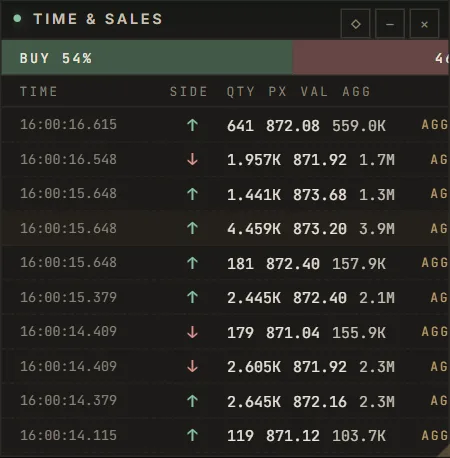
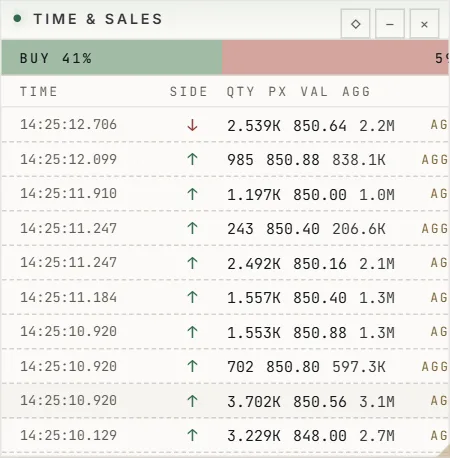
| Depth and tape | Order book, depth of market, time and sales, delta. | Pro | Available | — |
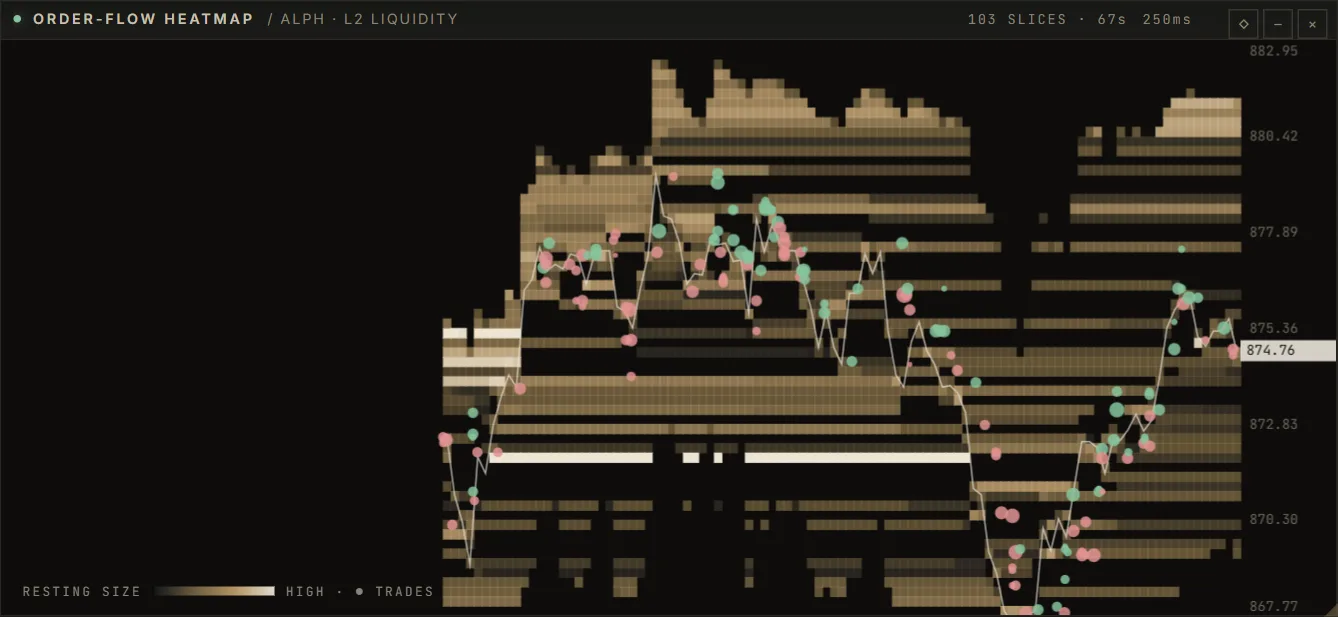
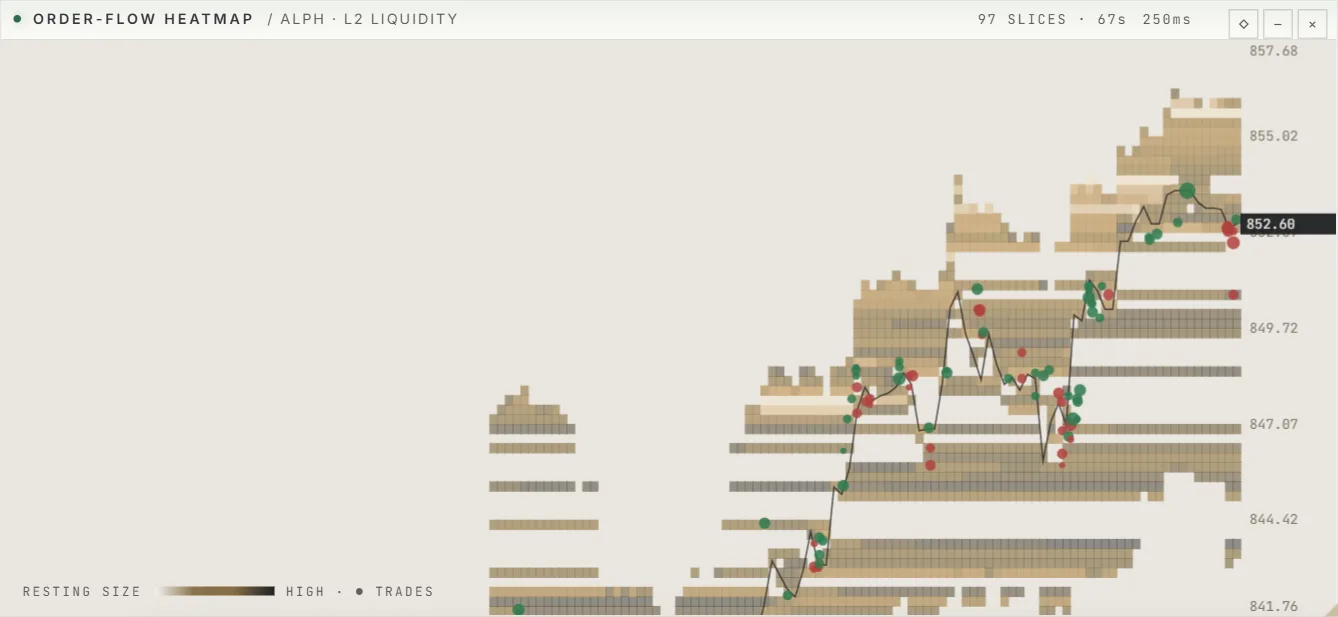
| Advanced order flow | Liquidity heatmap, footprint, volume profile and the Market Canvas down to single trades. | Pro | Available | — |
| Extended history | Years of daily bars and recorded intraday data from SwiftTrade's market-data lake. | Pro | Available | — |
| Multi-chart layouts | Several charts side by side in one workspace. | Pro | Partly built | a grid of charts exists; linked symbol, timeframe and crosshair are being built |
| Saved workspaces | Window layouts and task presets (day trading, scalping, futures, options, research). | Pro | Partly built | layouts are kept in the browser, not yet on the account |
| Equities, futures and FX | Real-time stocks, ETFs, futures and FX. | Professional | Needs licensed data | needs a licensed vendor or broker feed; prices are set by the vendor per user |
Real-time equities, futures and FX need a licensed data feed, which SwiftTrade does not include today.
Live venue data is used where a free public feed exists; elsewhere prices come from the built-in simulator and are marked SIM.
Linked multi-chart layouts are being built, and saved layouts are kept in your browser, not yet on your account.
The terminal runs in your browser during the test phase, with paper trading and nothing to install.